Report (old) App Bugs Here!
-
@Sam-Pinansky Hmmm... Both the android and ios version?
-
@Pmf96 android I'm waiting for it to show up in my closed beta for a final check before publishing it on the main release. But play store should follow iOS within 24 or less or might be first depending on how fast Apple approval is.
The android version gave me trouble though and was the biggest reason for how long this took. Had to fallback to an older method for the vehicle scroll option as android doesn't seem to have a native verticals scroll pagination view.
-
@Sam-Pinansky Thank you :3 Though, I have no knowledge about that, so not sure what to say :sweat_smile:
-
Hmm... Not sure if it's just me, but on my Android the app is not working properly.
Here is a picture:
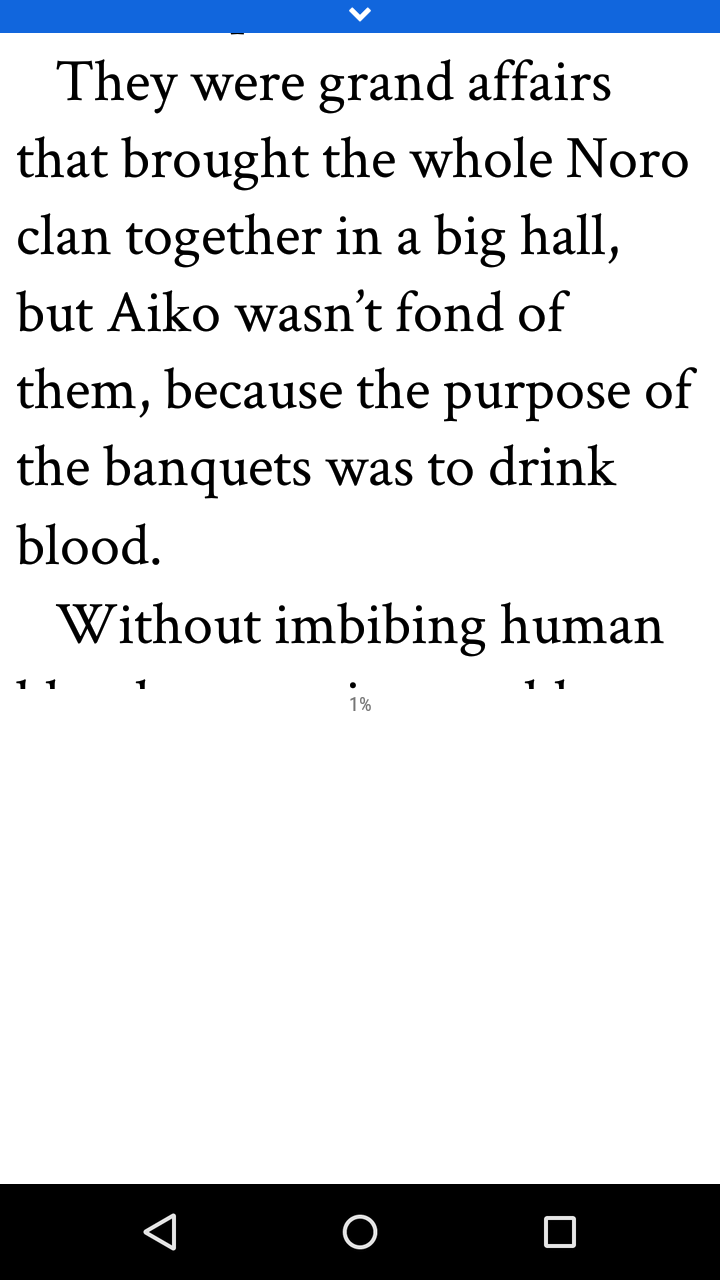
-
Well, I closed the app and opened it a few times and is working properly now... -,-'
-
Oneplus 3T using Android 7.0. Often when I get to the end of a section the progress indicator gets stuck around 97% rather than getting to 100%. I can read the end but this is not recorded.
-
@Shiny yeah, if you flip to horizontal mode it can get to 100%. The vertical one is off by a rounding error on android only and I wasn't able to figure it out before release. Known issue!
-
@Sam-Pinansky said in Report App Bugs Here!:
@Shiny yeah, if you flip to horizontal mode it can get to 100%. The vertical one is off by a rounding error on android only and I wasn't able to figure it out before release. Known issue!
Thanks for the workaround :)
-
It seems that whilst the Android app is running it does not update the 'latest' tab, not even when you go to 'series' and go back. I have to actually force-close the app and re-open it to get updates. It should reload when you switch back and reload when you scroll up beyond the top in the 'latest' tab.
-
@Shiny Okay, I'll look into that, that's a pretty serious issue. It should be reloading each time you go back to the tab but perhaps it is not and I have to force it.
-
@Sam-Pinansky said in Report App Bugs Here!:
@Shiny Okay, I'll look into that, that's a pretty serious issue. It should be reloading each time you go back to the tab but perhaps it is not and I have to force it.
Maybe it reloads but there's some sort of caching thing so it doesn't retrieve it a second time? Not sure, it's a tough one to test as things only get released every now and then. Has anyone else experienced problems?
-
Upgraded to Android 7.1.1 on my Nexus 6p and now whenever I am reading it saves the % I am at in the part, but when I try to open any part it always brings me back to the beginning.
However if I read 50% of any part on my Nexus it shows the correct percentage and if I switch to my iPhone it opens up to 50%.
Sorry but J-Novel Club does not publicly comment on any potential licensing decision or acquisitions.
J-Novel Club, Future Volume Release Schedule
Manga FAQ
Premium Content List -
@Rahul-Balaggan Hmm, sounds like the event that triggers the scroll to page isn't working.
-
@Rahul-Balaggan said in Report App Bugs Here!:
Upgraded to Android 7.1.1 on my Nexus 6p and now whenever I am reading it saves the % I am at in the part, but when I try to open any part it always brings me back to the beginning.
However if I read 50% of any part on my Nexus it shows the correct percentage and if I switch to my iPhone it opens up to 50%.
Does it state the correct percentage in the list on your Nexus? For me it does not reload/update the info automatically so it has out of date percentages and doesn't show new files unless I properly close the app and re-open it.
-
@Shiny Yes all the percentages are accurate, whether I read it on another device or on my Nexus it will show an accurate percentage.
Same for me if a new part comes out I have to close out to get the new part.
-
iPhone 7+
IOS 10.2.1All of a sudden no thumbnails are appearing for any of the books.
I tried turning my phone on and off and also deleting and redone loading the app to no success.I have also tried this on different Wi-Fi networks from around my office building, as well as just LTE.
Anyone else having these issues, or am I special?
-
@Rahul-Balaggan google "AWS", the world just ended (tl;dr j-novel uses some amazon's services and those are spectacularly broken for the time being, not exclusive to iStuff)
-
@_08 thanks for the heads up.
I guess it's a shank or be shanked world we live in now!
-
Yup!
Good news is that everything still works... just no pictures.
Text is fine! -
Network problems on android app aren't handled properly - it just shows empty lists and thinks you aren't logged in without reporting anything, app needs to be forcefully restarted when network is available again. You also get logged off after that. Most apps at least do connectivity check on startup through android services to avoid that.
@Rahul-Balaggan said in Report App Bugs Here!:
For me it does not reload/update the info automatically so it has out of date percentages and doesn't show new files unless I properly close the app and re-open it.App seems to show percentage that it got from server, not the one that you may have read just recently in app.
@Shiny said in Report App Bugs Here!:
Upgraded to Android 7.1.1 on my Nexus 6p and now whenever I am reading it saves the % I am at in the part, but when I try to open any part it always brings me back to the beginning.
Same, but only in vertical scrolling mode.
Another bug with scrolling view - it doesn't throttle of filter reading completion updates, meaning slow scrolling will result in few hundreds POST request instead of one.
Release order is a bit is weird: